
Buyer guide

How to choose workshop software: an Australian buyer's guide

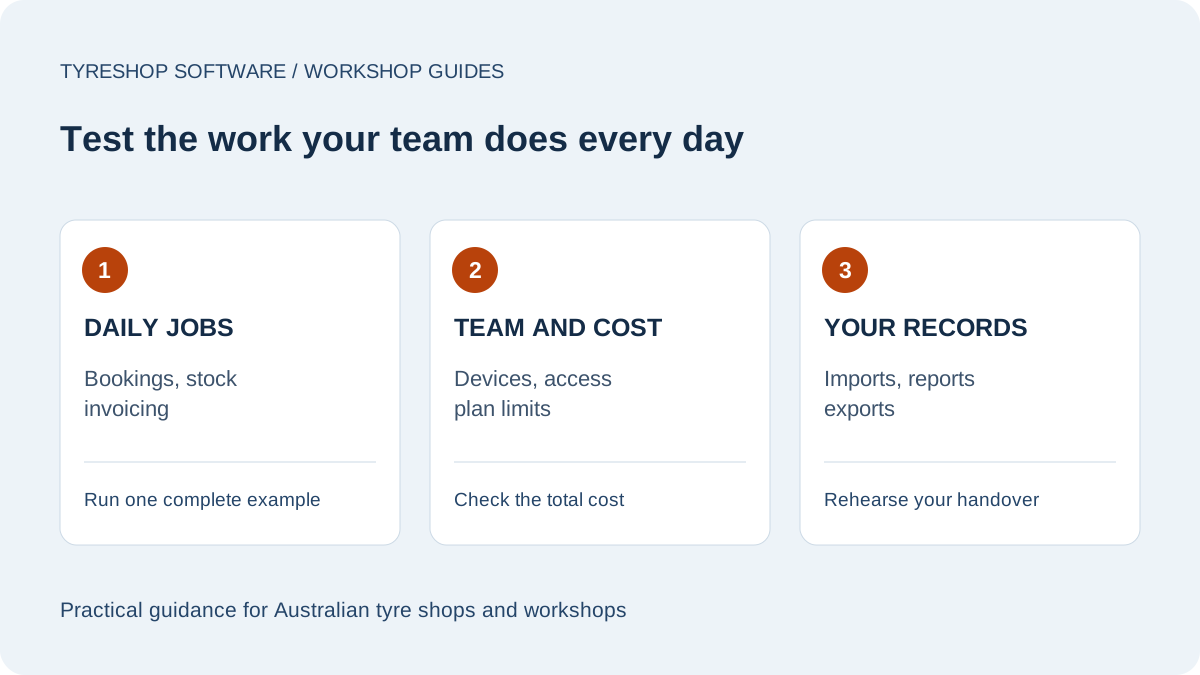
Choose workshop software by testing the jobs your shop does every day: booking, quoting, job cards, tyre-size stock, GST tax invoices, payments, customer history, reminders, reporting and exports. For an Australian tyre shop, the best fit is the system that matches the counter and the bays without forcing you into generic workflows.

By TyreShop Software · Updated

  • 8 practical checks
  • Australian buyer guide
  • Costs and export options

1. Test a complete workshop job

Choose a typical job, such as a four-tyre quote with fitting and an alignment, and use the same example in each trial. Create the customer and vehicle, prepare the quote, record approval, create the work order and finish the invoice. Include a change to the requested work. Watch where staff have to re-enter information and whether the final record shows what was agreed and completed. A feature list alone will not show how that handover feels.

2. Check tyre stock and purchasing

Search a tyre size you regularly sell and compare similar products with different load or speed ratings. Check the stock at the relevant shop, receive a supplier delivery and review the resulting movement history. Ask what happens with a return or an adjustment. If you run more than one location, test staff access and stock visibility at each shop. Record any limit on product numbers or locations before choosing the plan.

3. Review invoices with your bookkeeper

Create a sample invoice using your business details and normal mix of parts and labour. Check the tax treatment, payment terms and payment record with your bookkeeper. Download a sample CSV and make sure it contains the fields they need. Distinguish a direct accounting connection from a file export: these are different workflows. TyreShop Software currently offers CSV exports for customers, invoices, products, payments and work orders; Xero and QuickBooks sync remain on the roadmap.

4. Try bookings and reminders as a customer

Open the public booking page on a phone and go through it as a customer would, using test details. Confirm which services and times can be selected and how the team sees the booking. Ask which plan includes public online booking and which messages use the SMS allowance. Test the wording and timing of reminders before enabling them for customers. In TyreShop Software, the public booking widget is included on Professional and up.

5. Let counter staff and technicians test access

Have the people who will use the system try it on the actual counter computer and workshop devices. Check whether text is readable, controls are usable and the required printer works. Give each person the appropriate role and confirm what they can see and change. For a cloud system, check the workshop's internet coverage and decide how the team will handle an outage before moving daily operations across.

6. Compare the total ongoing cost

Write down the subscription, user and shop limits, SMS allowance, extra-message cost and any website or payment service charges. Include the time spent preparing data and training the team. Compare the same scope across suppliers rather than comparing only the advertised starting prices. TyreShop Software lists Starter at A$59 and Professional at A$149 per month, inc GST; Enterprise is quoted. Review the pricing page for the plan limits and optional services.

7. Rehearse setup and ask about support

Clean a small sample of customer and product records before attempting a full import. Look for duplicate customers, inconsistent tyre descriptions and incomplete contact details. Check a few imported records against the originals. Ask who handles setup questions, how to contact support and what assistance is included. Make a short checklist for the first week so that staff know how to create a job, correct a mistake and find a previous vehicle visit.

8. Check the exit path before committing

Download the supported export types during the trial and open them outside the system. Ask how to retrieve records that are not included in the standard exports, and confirm the cancellation and retention terms. Do not assume that every screen can be exported or that a CSV will import directly into another supplier's system. Keep a record of the limits you accepted and choose the product that meets the needs of your workshop today.

A simple trial scorecard
TestEvidence to keep
Quote to invoiceOne completed sample job
Stock and purchasingDelivery and adjustment records
Bookkeeper handoverSample invoice and CSV
Team accessCounter and technician checks
Cost and exitWritten plan limits and export list
FAQ

Common questions

What should tyre shops look for in workshop software?

Look for tyre-size-aware stock, customer and vehicle history, job cards, GST invoices with ABN, bookings, reminders, role permissions, reports, CSV export and pricing that is clear in Australian dollars.

Should I choose a generic POS?

A generic POS can work for basic sales, but tyre shops usually need job cards, vehicle history, tyre fitment, stock movement and reminders. Test those workflows before choosing.

Does TyreShop Software connect to Xero or QuickBooks?

There is no live Xero or QuickBooks sync yet. Every invoice is a GST tax invoice with your ABN, and CSV export is available for your bookkeeper. Direct connections are on the roadmap.

How to choose workshop software: an Australian buyer's guide

Choose workshop software by testing the jobs your shop does every day: booking, quoting, job cards, tyre-size stock, GST tax invoices, payments, customer history, reminders, reporting and exports. For an Australian tyre shop, the best fit is the system that matches the counter and the bays without forcing you into generic workflows.