
Solution: stock control

Know what tyres you have, where they are and what to reorder

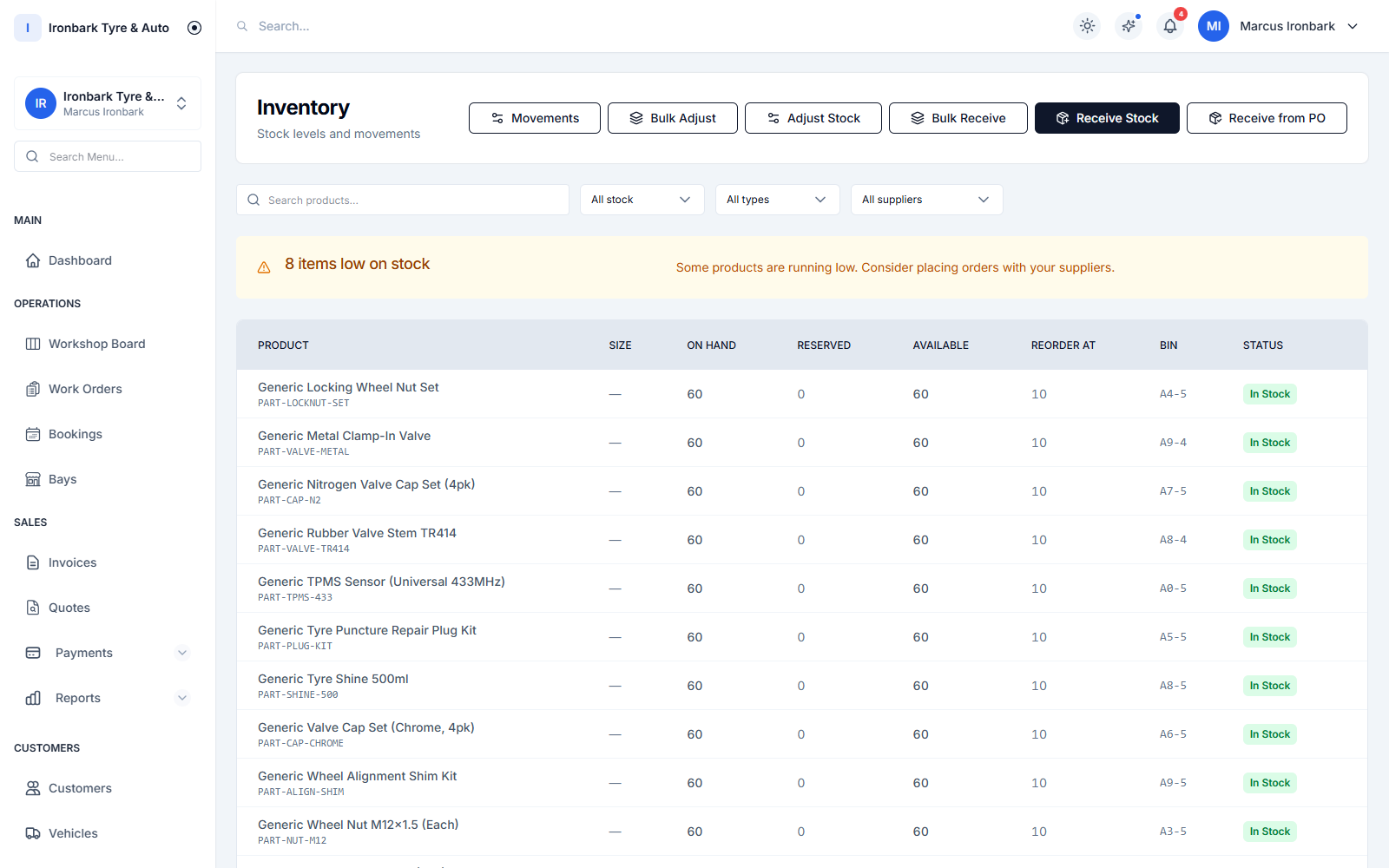
Find the right size while the customer waits, keep quantities current as you sell and buy with a clearer view of what is already on the shelf.

  • Tyre-size-aware search
  • Per-shop levels
  • Purchase orders
Tyre inventory showing sizes, brands and stock on hand
How TyreShop helps

A simpler way to handle this part of the day

TyreShop gives your team tyre-size search, stock levels by shop, low-stock alerts and purchase orders. Selling an inventoried item records the movement, so there is less double-handling between the counter and stock list.

A better way to run the day

Spend less time searching and make better buying decisions

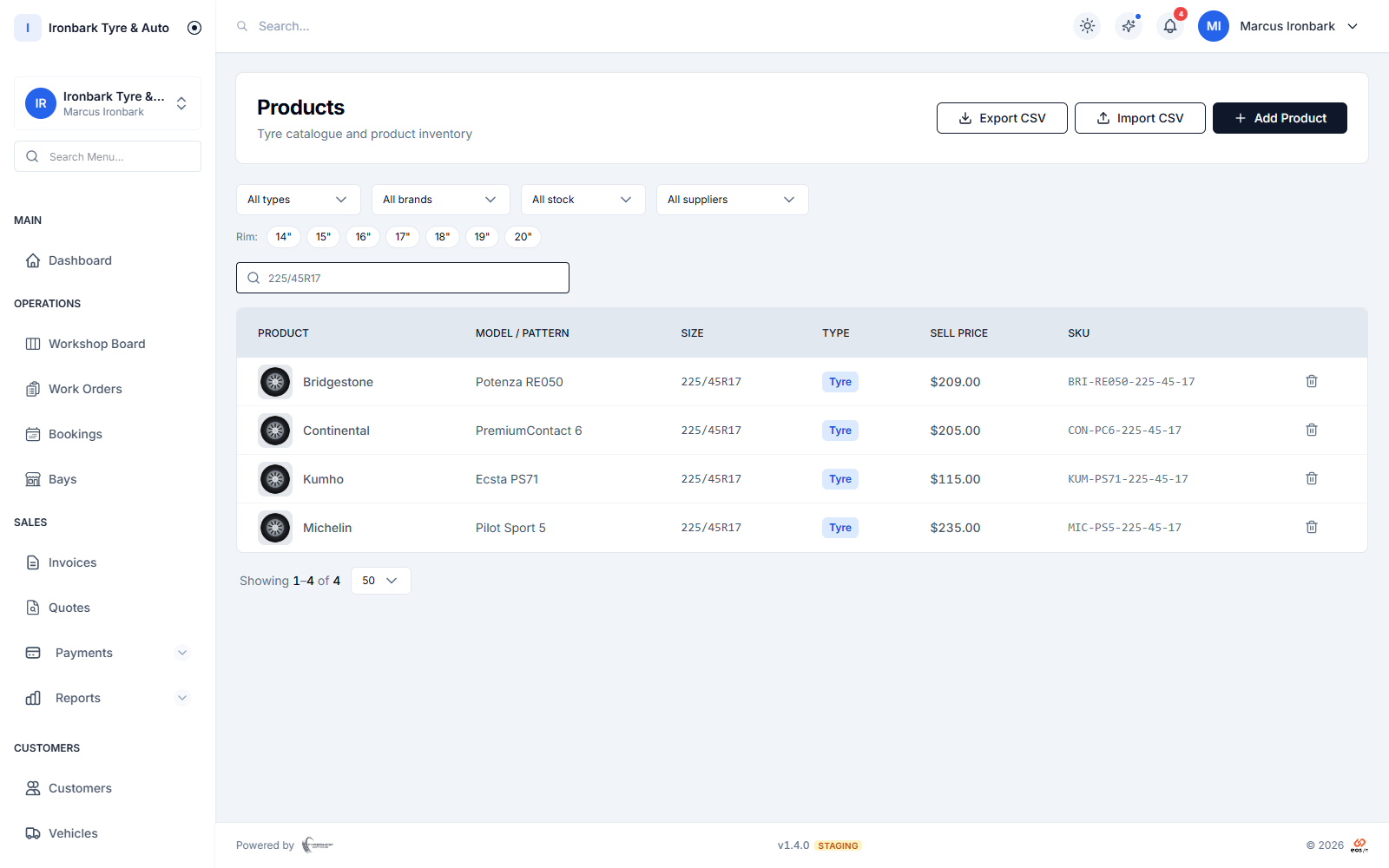
Searching tyre stock by size and product details
At the counter

Find the right size while the customer is waiting

Structured tyre sizing makes it easier to search stock by the specifications the counter actually uses.

  • Width, aspect ratio and rim
  • Brand and pattern
  • Tyres, parts and accessories
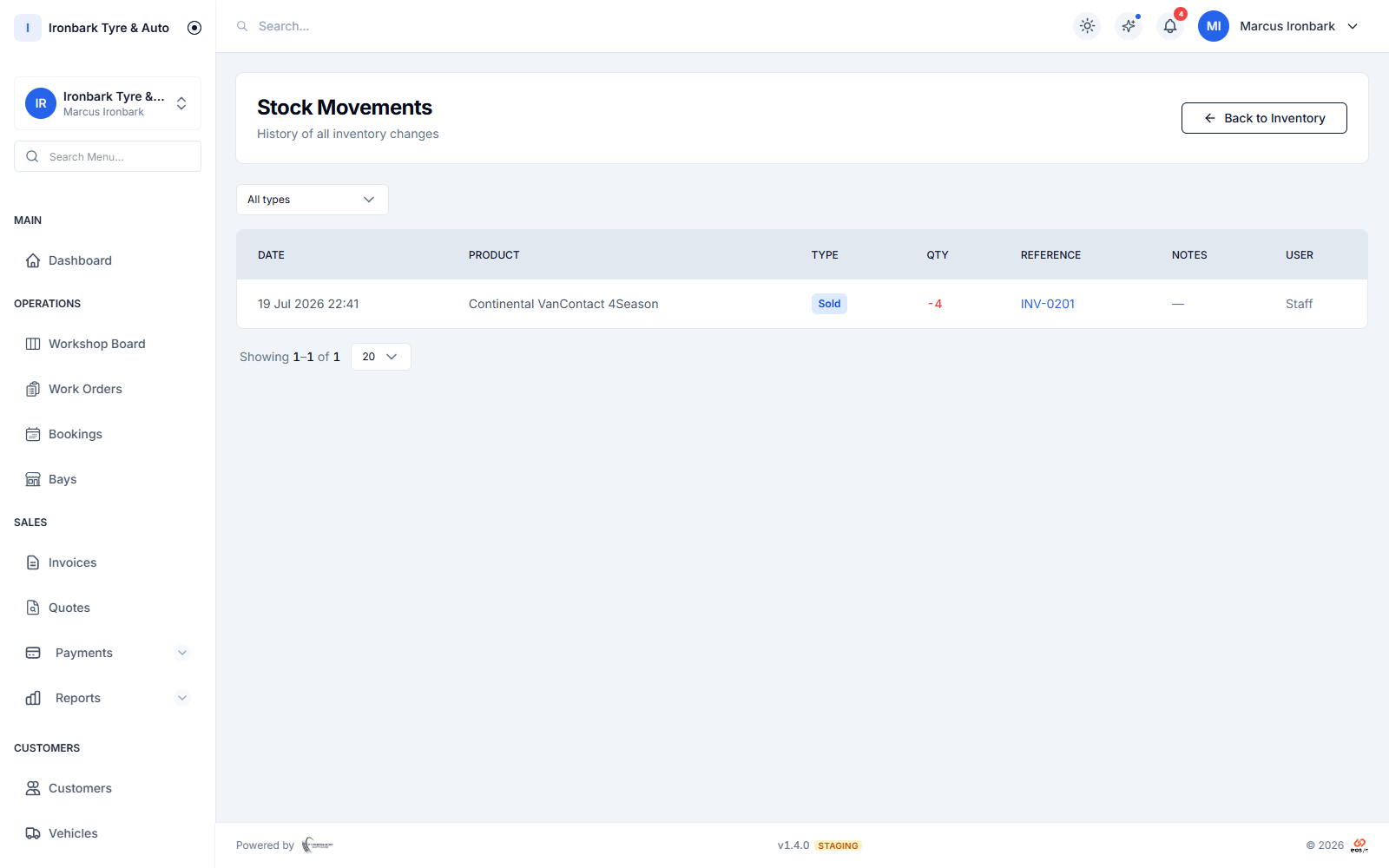
Stock movement history after tyres are sold and received
After the sale

Keep stock movement connected to invoicing

When a stocked item is invoiced, the movement belongs to the same system as the sale rather than relying on someone to update a second sheet.

  • Invoice-linked movement
  • Stock history
  • Per-shop quantities
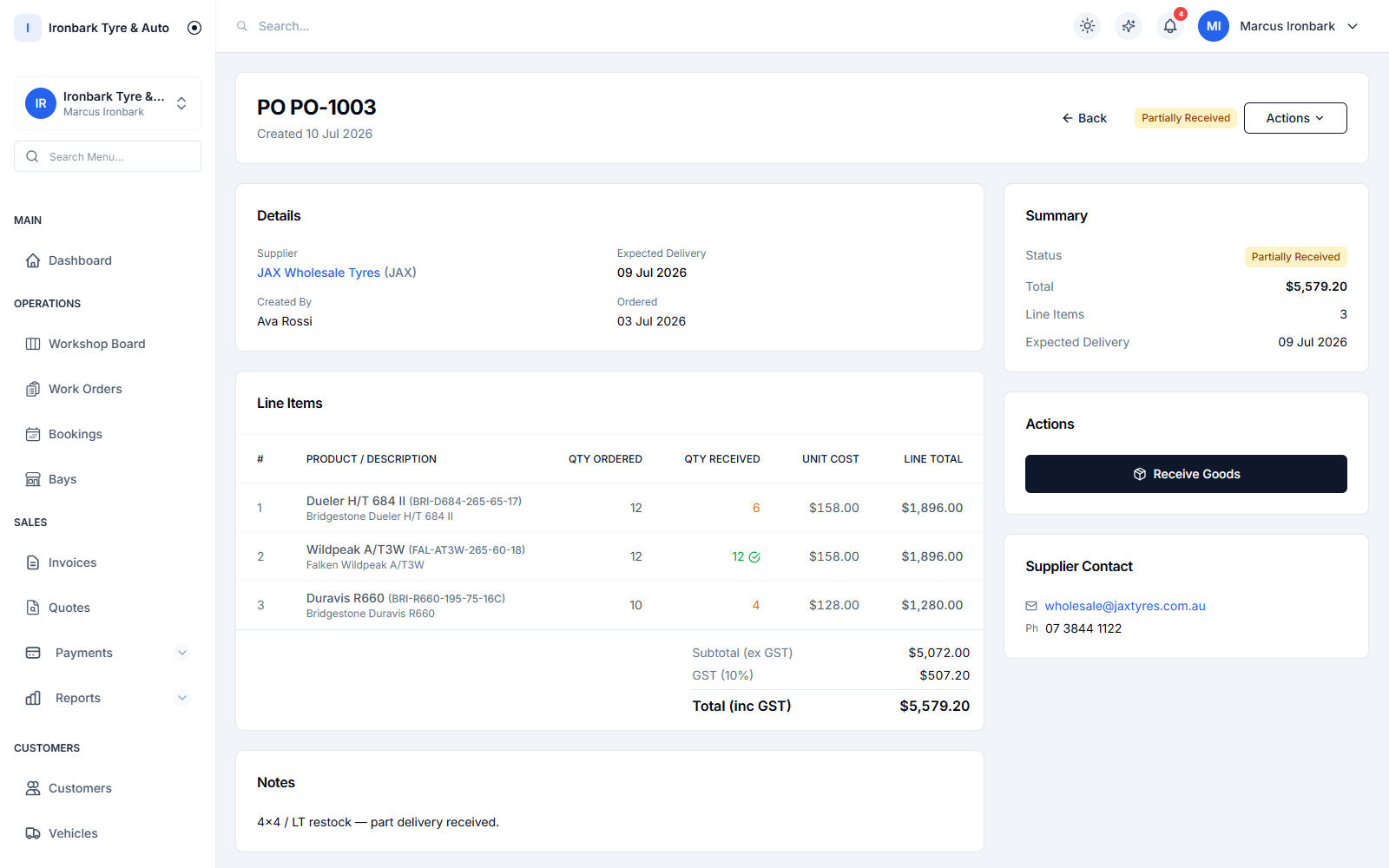
Tyre purchase order ready to be received into stock
Before ordering

Check what you hold before buying again

Low-stock visibility and purchase orders help the team make a more informed reorder and receive stock into inventory.

  • Low-stock alerts
  • Supplier records
  • Receive purchase orders
How it works

From shelf to reorder

  1. 01

    Build the catalogue

    Record tyres with structured sizing plus other products and services.

  2. 02

    Move stock with work

    Use inventory items on jobs and invoices so the movement is recorded.

  3. 03

    Reorder with context

    Review low stock, raise a purchase order and receive the delivery.

What helps you do it

See the TyreShop tools used here

Stock control

Size-aware inventory and stock movement.

See how it works

Product catalogue

Structure products for staff and customers.

See how it works

Purchase orders

Order and receive supplier stock.

See how it works
You may also want to

Improve another part of the shop

Common questions

What shop owners usually want to know

Can I search stock by tyre size?

Yes. The catalogue stores structured tyre specifications including width, aspect ratio, construction and rim diameter so the team can search in a tyre-specific way.

Does stock change when I invoice a tyre?

Yes. Stock movements can be recorded from invoiced inventory items, keeping the sale and quantity change in one workflow.

Can I manage stock at more than one shop?

Yes. Multi-shop management keeps stock levels by location, with group visibility available for businesses running several shops.

Try TyreShop with the way your shop works

Start with a real job, booking or stock list and see whether it makes the day easier.