Customers and vehicles

A tyre shop CRM that remembers every customer and their tyres

A tyre shop CRM keeps full customer profiles, every vehicle they own, and the tyre setup and service history for each one, all in one place. Every job, quote and invoice links back to the right customer and vehicle. The next visit starts with the whole history in front of you, and the rego is a plain field you type by hand.

14-day free trial. No credit card. 50 free SMS to get started.

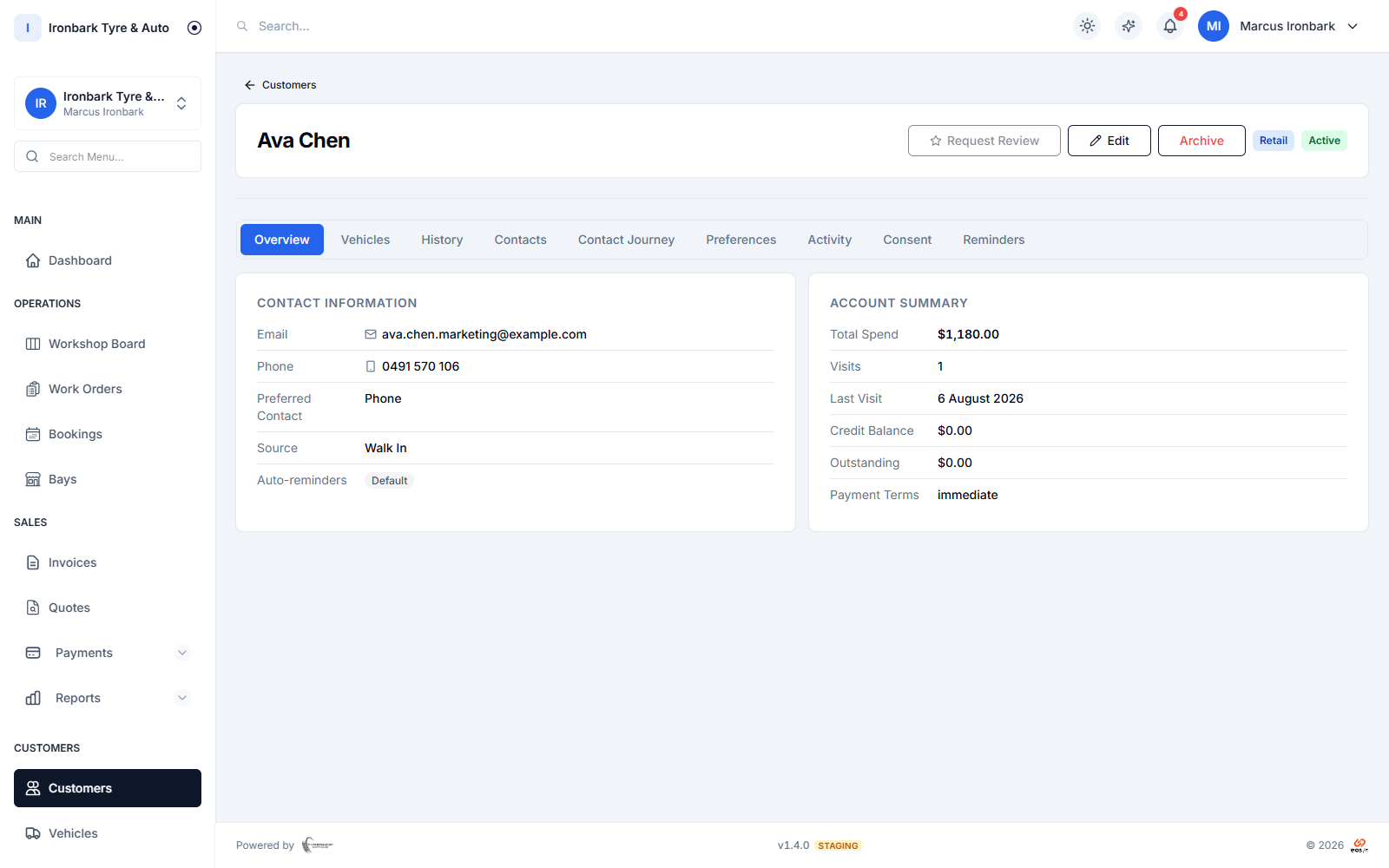
Customer profile with linked vehicles, contact details and job history
Why customers and vehicles

What you get

One profile, every vehicle

Keep the contact details for each customer and link every vehicle they own to the one profile, so a fleet or a family sits under a single record.

Tyre setup on file

Store the tyre size and fitment each vehicle wears, so the next set is quoted right the first time without measuring the car again.

Full service history

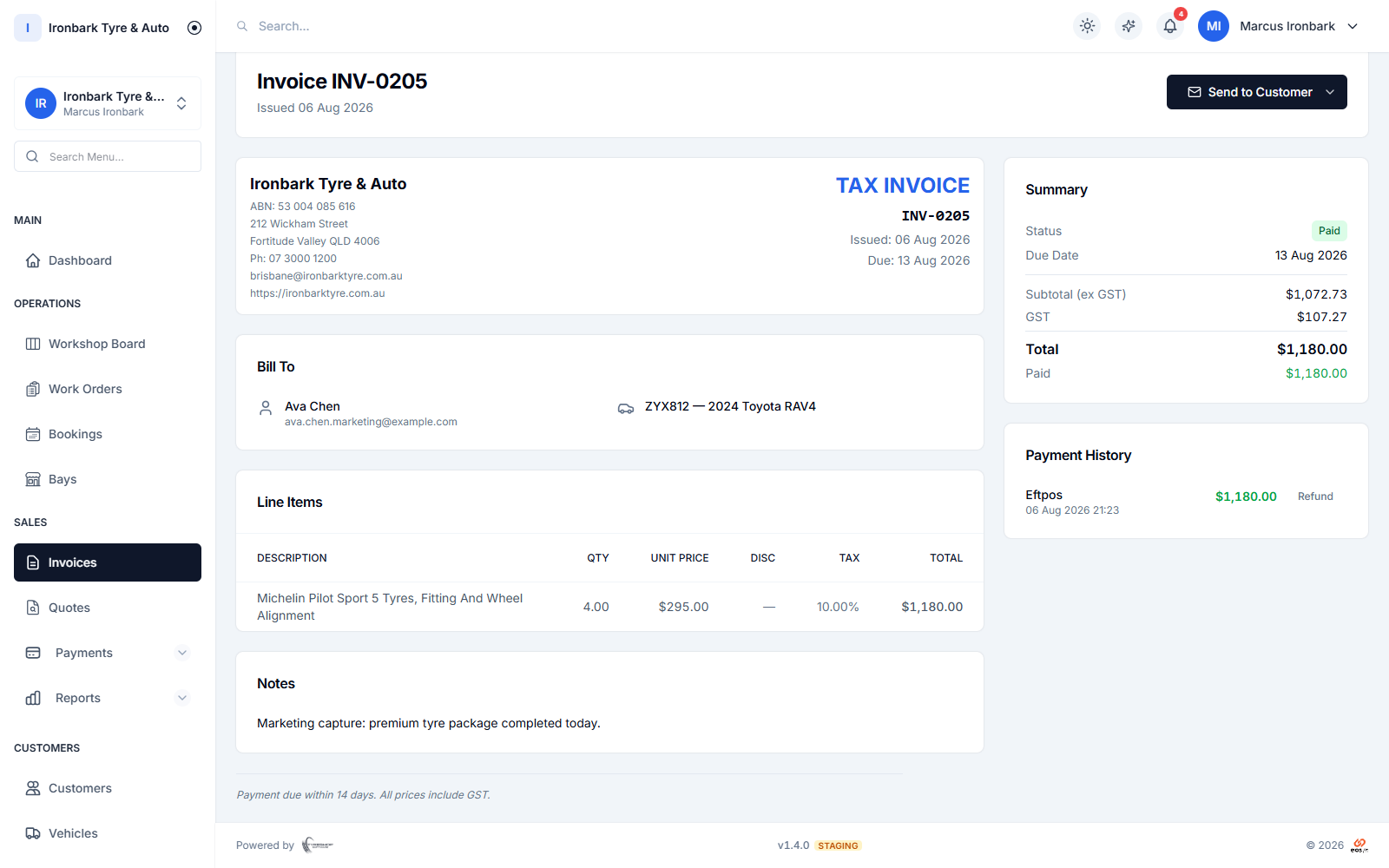
Every job, quote and invoice attaches to the right vehicle, giving you a complete service history timeline for each one.

Notes and preferences

Keep notes, contact preferences and a communication log against each customer, so anyone at the counter can pick up the conversation.
How it works in your shop

Customers and vehicles in practice

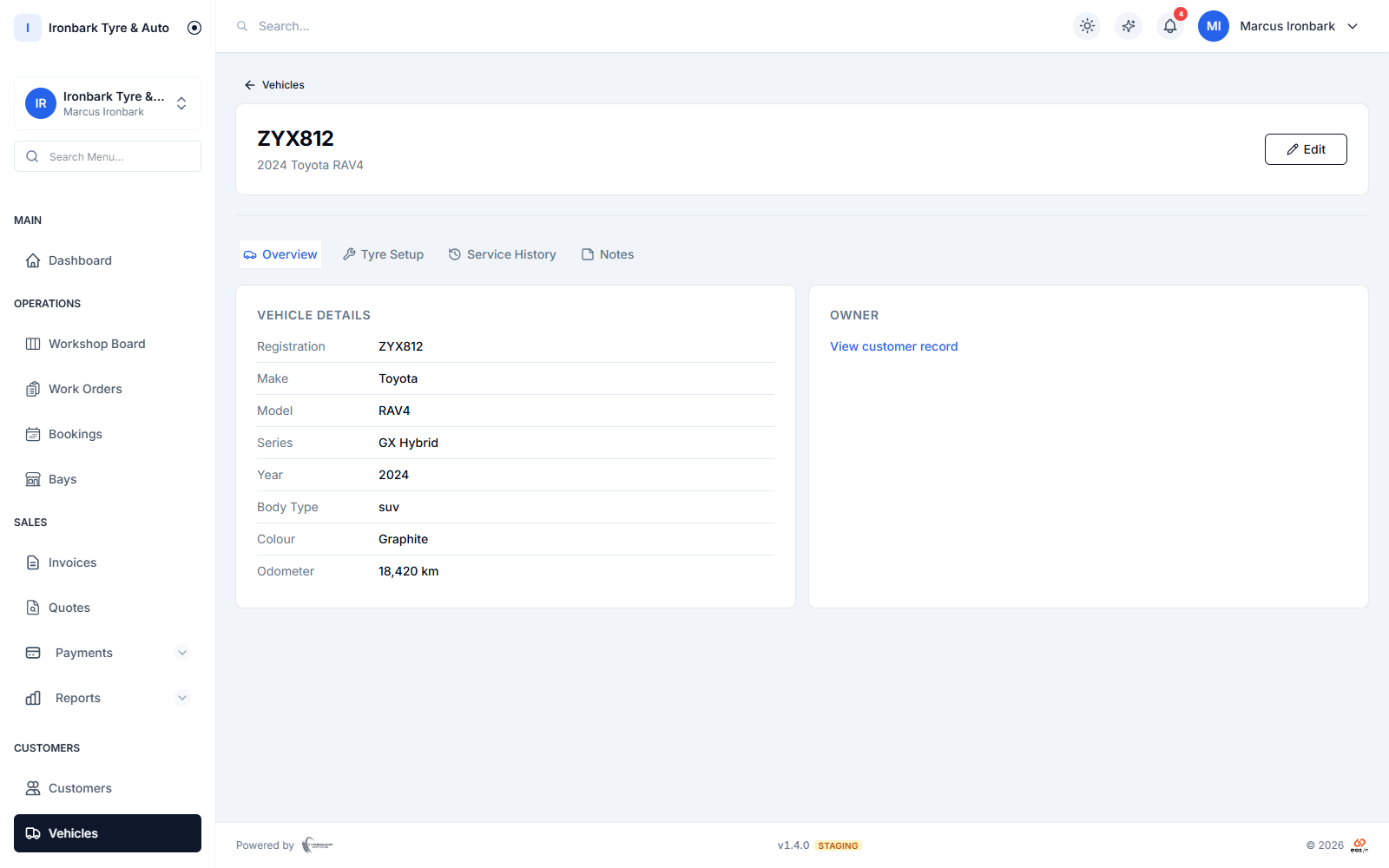
Vehicle record with make, model, hand-typed rego, tyre size and service history
Know the customer

Every customer and vehicle under one roof

Build a full profile for each customer and link all of their vehicles to it. The registration number is entered by hand and stored as a plain field, so the plate is on file for reference without any lookup or decode.

  • One customer profile, many linked vehicles
  • Registration entered by hand and stored as a field
  • Contact details, notes and preferences in one place
  • A communication log of what was sent and when
Invoice detail with line items, totals, payment history and send actions
Know the car

The tyre setup and history for every vehicle

Each vehicle carries the make, model, year and the tyre size it runs, plus a timeline of every job done on it. Quoting the next set of tyres or booking the next rotation starts from what the car already wears.

  • Make, model, year and stored tyre setup
  • Service history timeline per vehicle
  • Quote the next set from the setup on file
  • Link the vehicle straight onto a booking or job
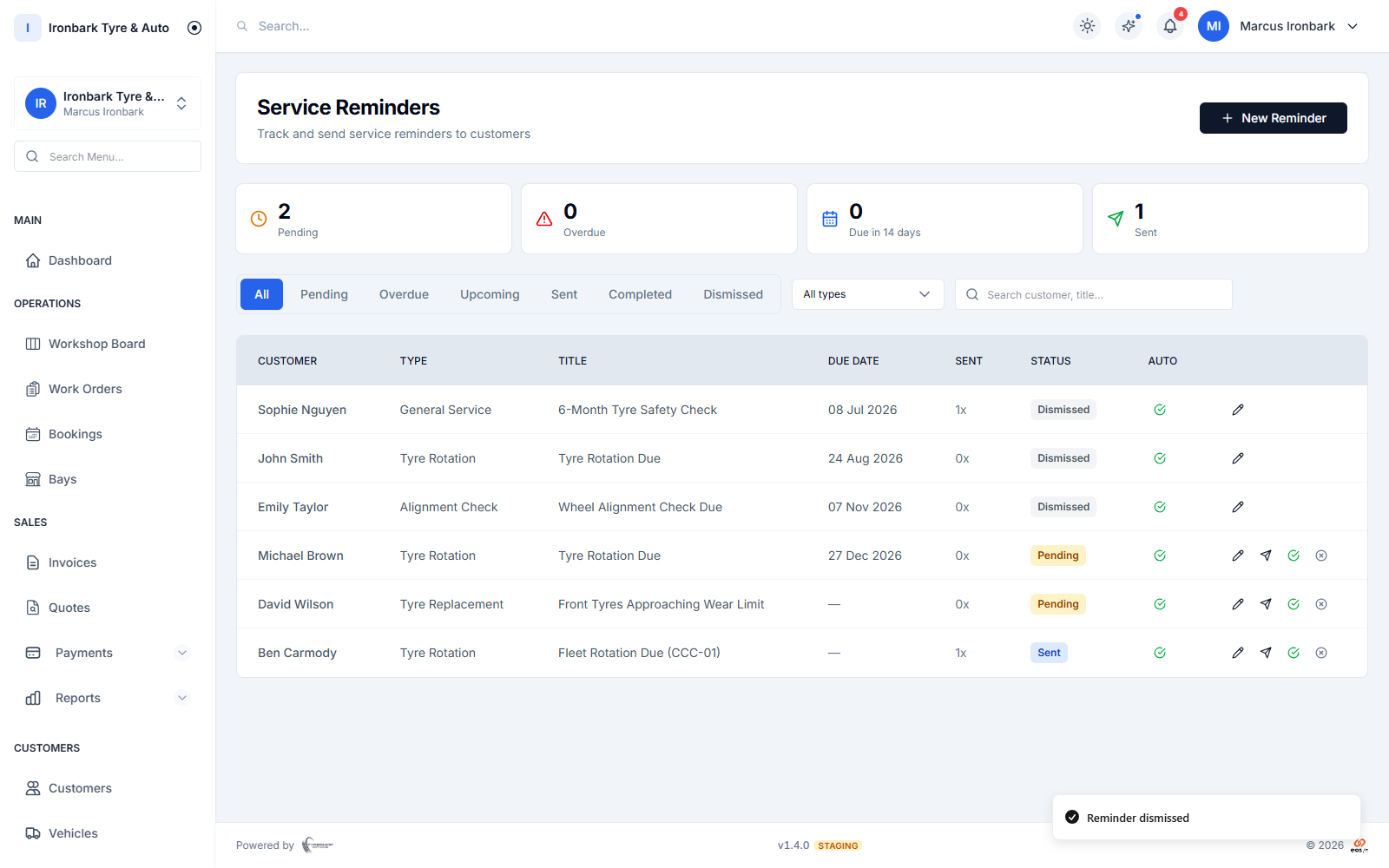
Service reminders scheduled by date and odometer, sent by SMS or email
Bring them back

A CRM that feeds bookings and reminders

Because the customer, the vehicle and the history live together, service-due reminders and bookings draw on the same records. The next visit is faster and the customer comes back when their tyres are due.

  • Shared with bookings and service reminders
  • The next visit picks up where the last one left off
  • Reminders respect each customer contact preference
  • No re-keying details you already hold
How it works

Up and running with customers and vehicles

  1. 01

    Add the customer

    Create a customer profile with their contact details, or import your existing customers by CSV during onboarding.

  2. 02

    Link their vehicles

    Add each vehicle with its make, model, year and tyre setup. Enter the registration by hand to keep it on file for reference.

  3. 03

    Build the history

    Every booking, quote, job and invoice attaches to the customer and vehicle automatically, so the history writes itself.

FAQ

Customers and vehicles questions

Does the CRM look up a rego automatically?

No. The registration number is entered by hand and stored as a plain field for your reference. There is no rego lookup or vehicle decode, which keeps the record accurate and under your control.

Can one customer have several vehicles?

Yes. Link as many vehicles as you like to a single customer profile, which suits families and fleets. Each vehicle keeps its own tyre setup and service history.

Can I import my existing customers?

Yes. You can import customers, vehicles and products by CSV during onboarding, and we can help you map the columns from your old system the first time.

Is the service history kept per vehicle?

Yes. Every job, quote and invoice attaches to the right vehicle, so each one has a complete service history timeline you can see at a glance.

See customers and vehicles in your own shop

Start a 14-day free trial of TyreShop Software and run customers and vehicles alongside the rest of the platform. No credit card required.

14-day free trial. No credit card required.