
Solution: multi-site control

Run every shop clearly and still see the whole group

Let each location run its own day while owners and managers keep a clear view across the business.

  • One login
  • Per-shop operations
  • Group reporting
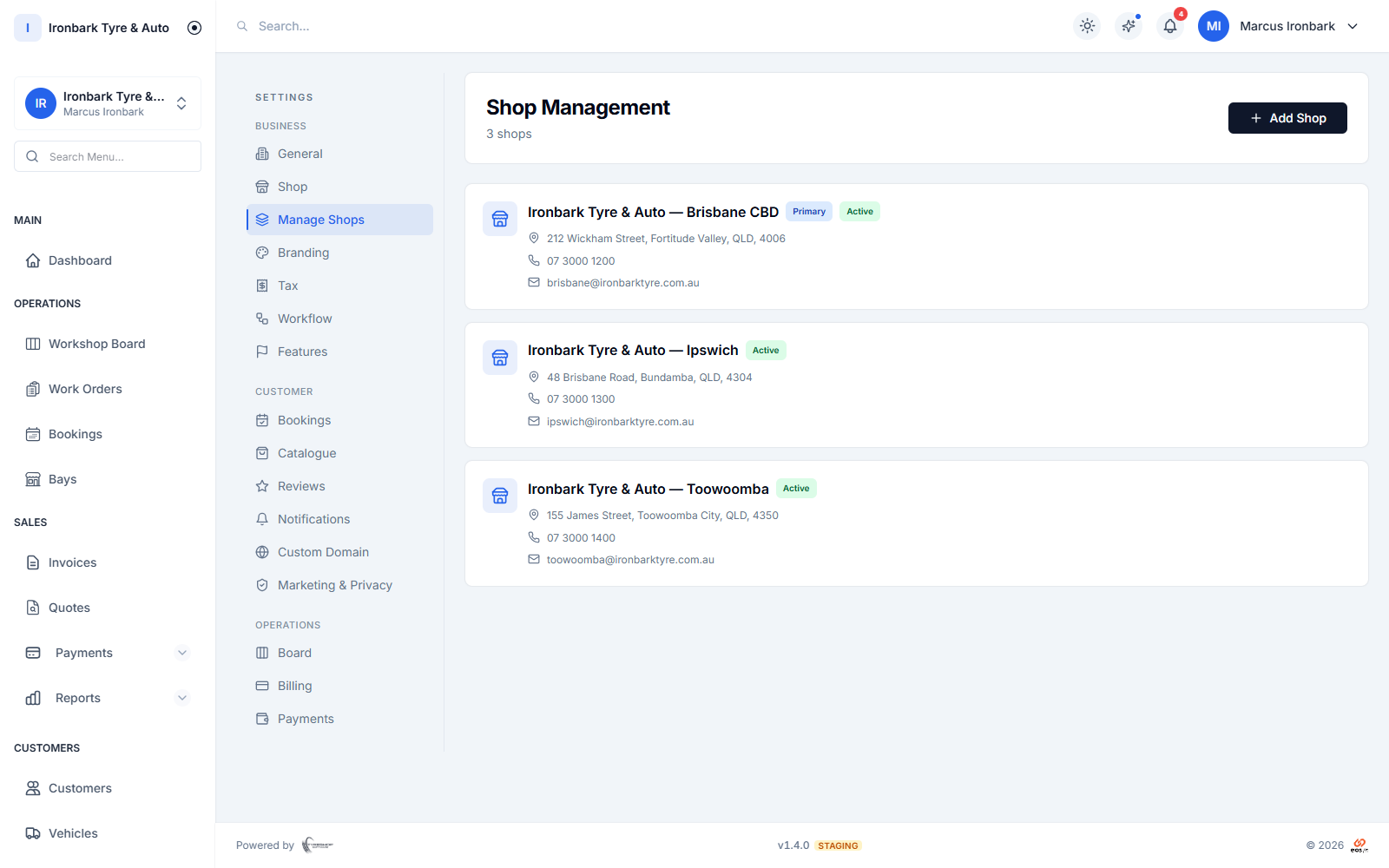
Multiple tyre shop locations managed from one TyreShop Software account
How TyreShop helps

A simpler way to handle this part of the day

TyreShop keeps staff, bays, stock and settings clear for each location. Authorised managers can switch shops from one login and review group reporting without mixing one branch's day-to-day work into another.

A better way to run the day

Give each branch clarity without losing oversight

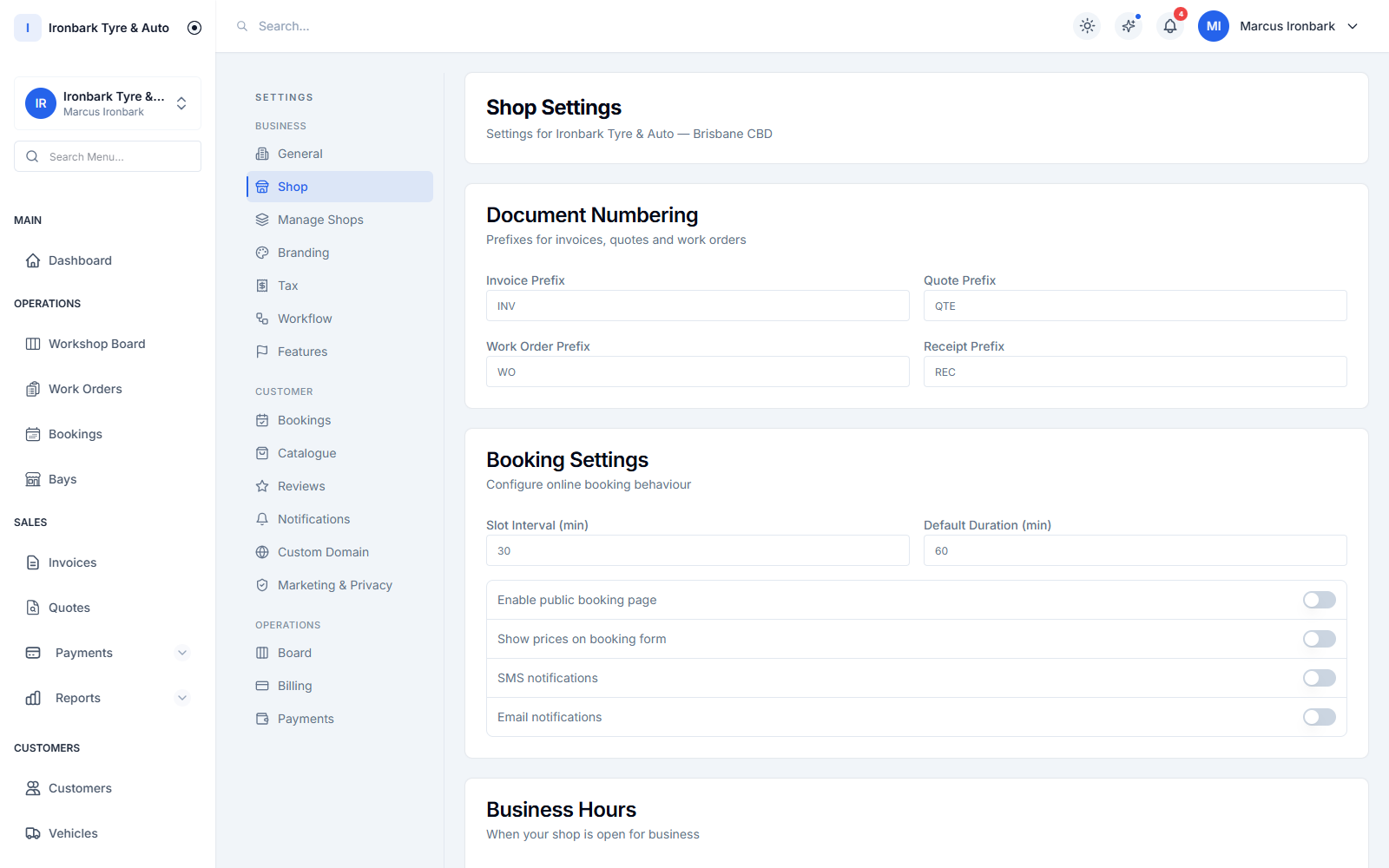
One tyre shop location with its own staff, bays and settings
At each branch

Keep the local operating picture clear

Staff, bays, stock and shop settings remain specific to the location, so a branch can run its own day without mixing records with another site.

  • Per-shop staff
  • Per-shop bays
  • Per-shop stock
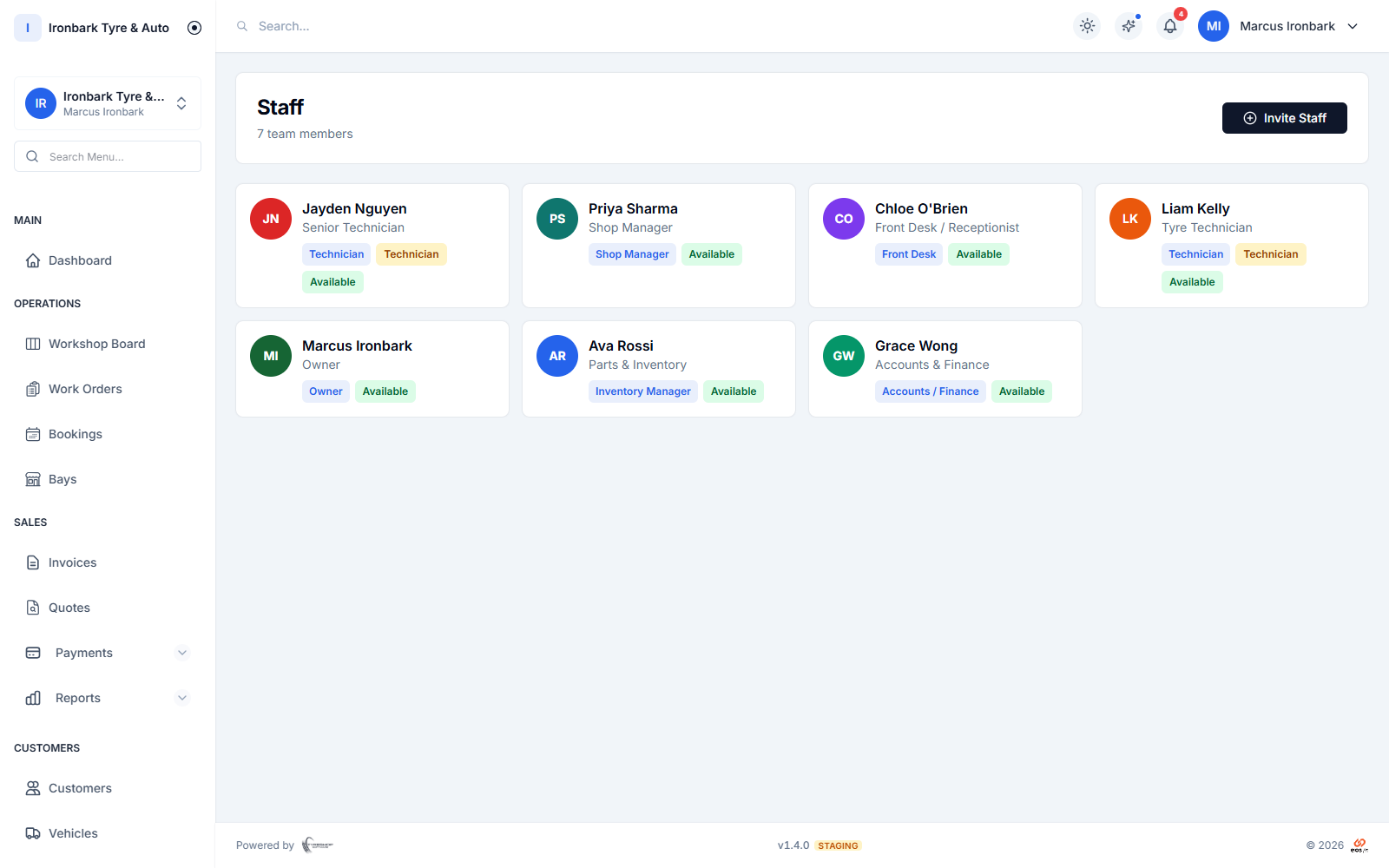
Staff members and roles across a tyre shop group
Across the group

Switch locations without switching systems

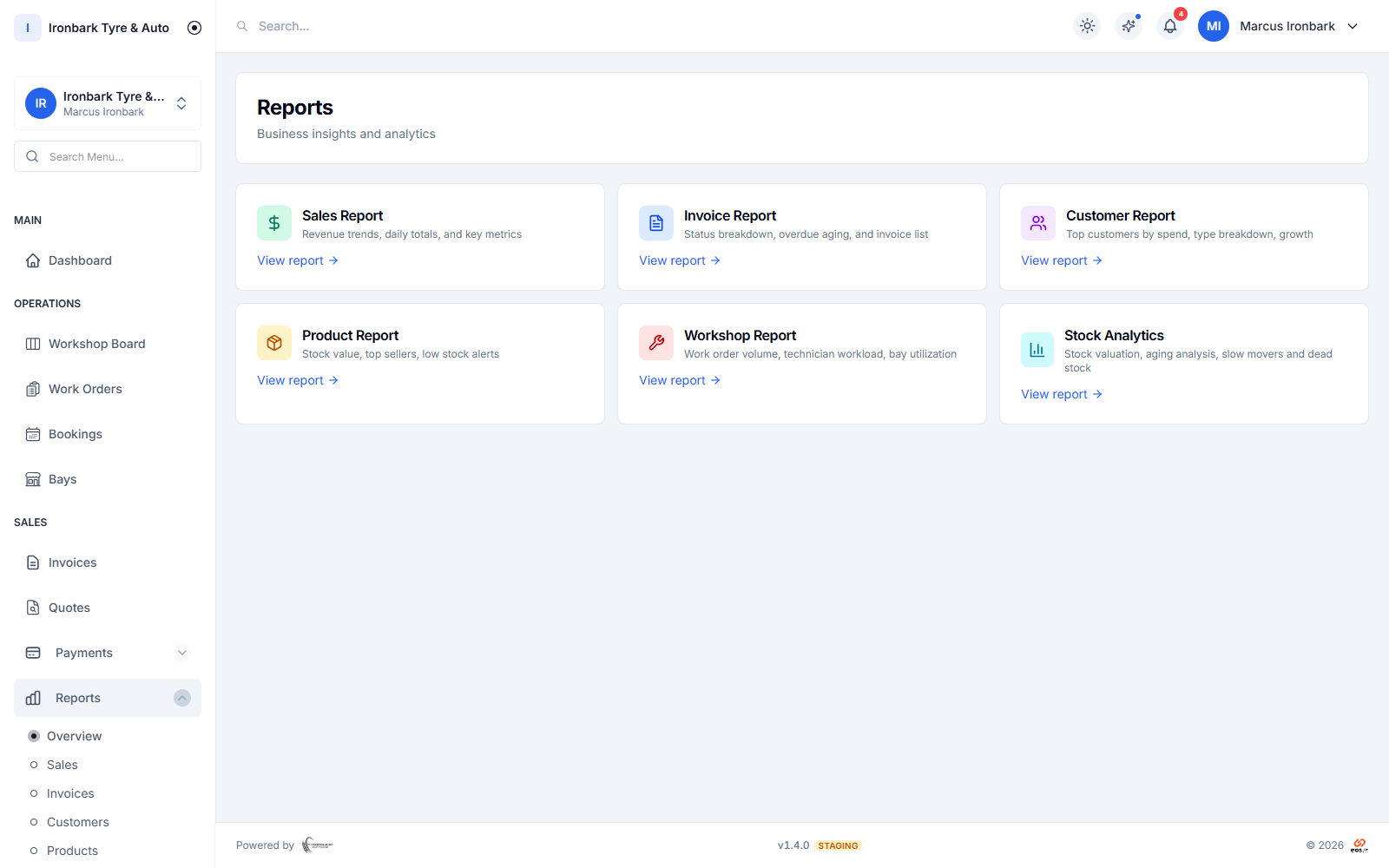
Authorised users can move between shops from one login and use group reporting when the business needs a wider view.

  • Shop switching
  • Consolidated reports
  • Shared management access
Workshop reporting dashboard for owners and managers
For access control

Give each role the right view

Role and shop permissions help keep sensitive cost and margin information with owners and managers while technicians see the work they need.

  • Preset roles
  • Custom permissions
  • Shop-level access
How it works

From one shop to a connected group

  1. 01

    Model each shop

    Set up its staff, bays, stock and operating settings.

  2. 02

    Control access

    Assign the roles and locations each team member needs.

  3. 03

    Review the group

    Switch shops or use consolidated reporting for the wider picture.

What helps you do it

See the TyreShop tools used here

Multi-shop

See how locations work from one login.

See how it works

Roles and permissions

Control access by responsibility.

See how it works

Reports

Review shop and group performance.

See how it works
You may also want to

Improve another part of the shop

Common questions

What shop owners usually want to know

How many shops can I manage?

As many as the group needs, on Enterprise or a custom build. The public Starter and Professional plans each run a single shop. Enterprise removes the documented shop, user and product caps and is priced after discussing the group’s setup and rollout needs.

Can staff be limited to one location?

Yes. Access can be controlled by role and shop so team members see the locations and functions appropriate to their work.

Can I see stock and reporting across the group?

Yes. Stock is maintained by shop and authorised users can access group-level reporting for a wider operating view.

Try TyreShop with the way your shop works

Start with a real job, booking or stock list and see whether it makes the day easier.