Reports

Workshop reporting software that shows how the shop is really tracking

Workshop reporting software shows revenue, outstanding invoices, job completion, stock value and customer spend on one dashboard, so you see how the shop is tracking at a glance. Dig deeper with reports you filter by date, shop and technician, then export to CSV when your accountant wants the numbers.

14-day free trial. No credit card. 50 free SMS to get started.

Reporting dashboards and CSV export are included on every plan.

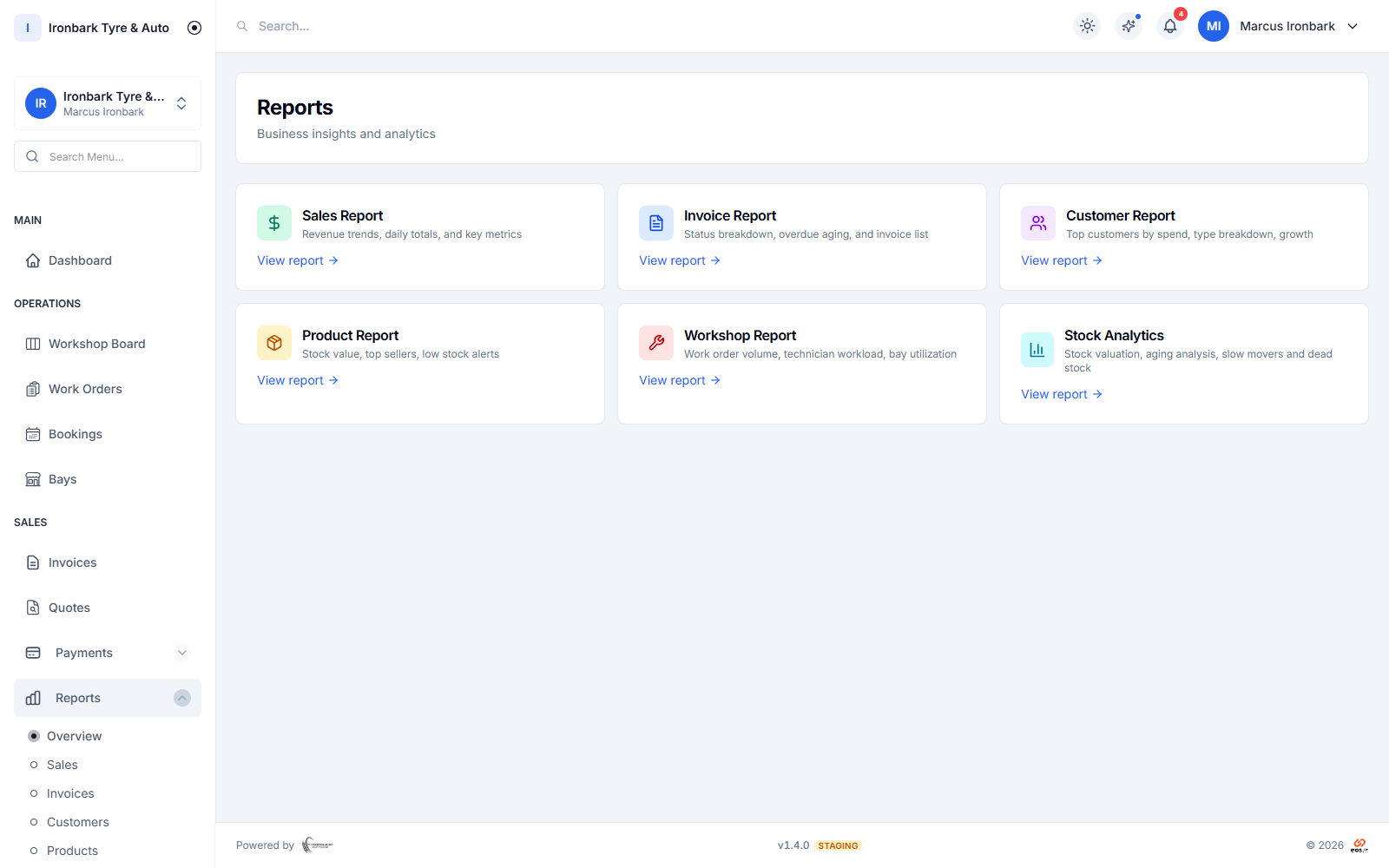
Reporting dashboard with sales, invoice, customer, product, workshop and stock reports
Why reports

What you get

One dashboard, whole shop

Revenue, outstanding invoices, job completion and stock value on a single dashboard, so you can see how the shop is tracking without opening a spreadsheet.

Sales and money reports

See sales, outstanding balances and customer spend, so you know what is coming in and who still owes you.

Workshop and stock reports

Reports on jobs, workshop throughput and stock value tell you how the floor and the racks are performing.

Filter and export

Filter reports by date range, shop and technician, and export to CSV when your accountant wants the numbers.
How it works in your shop

Reports in practice

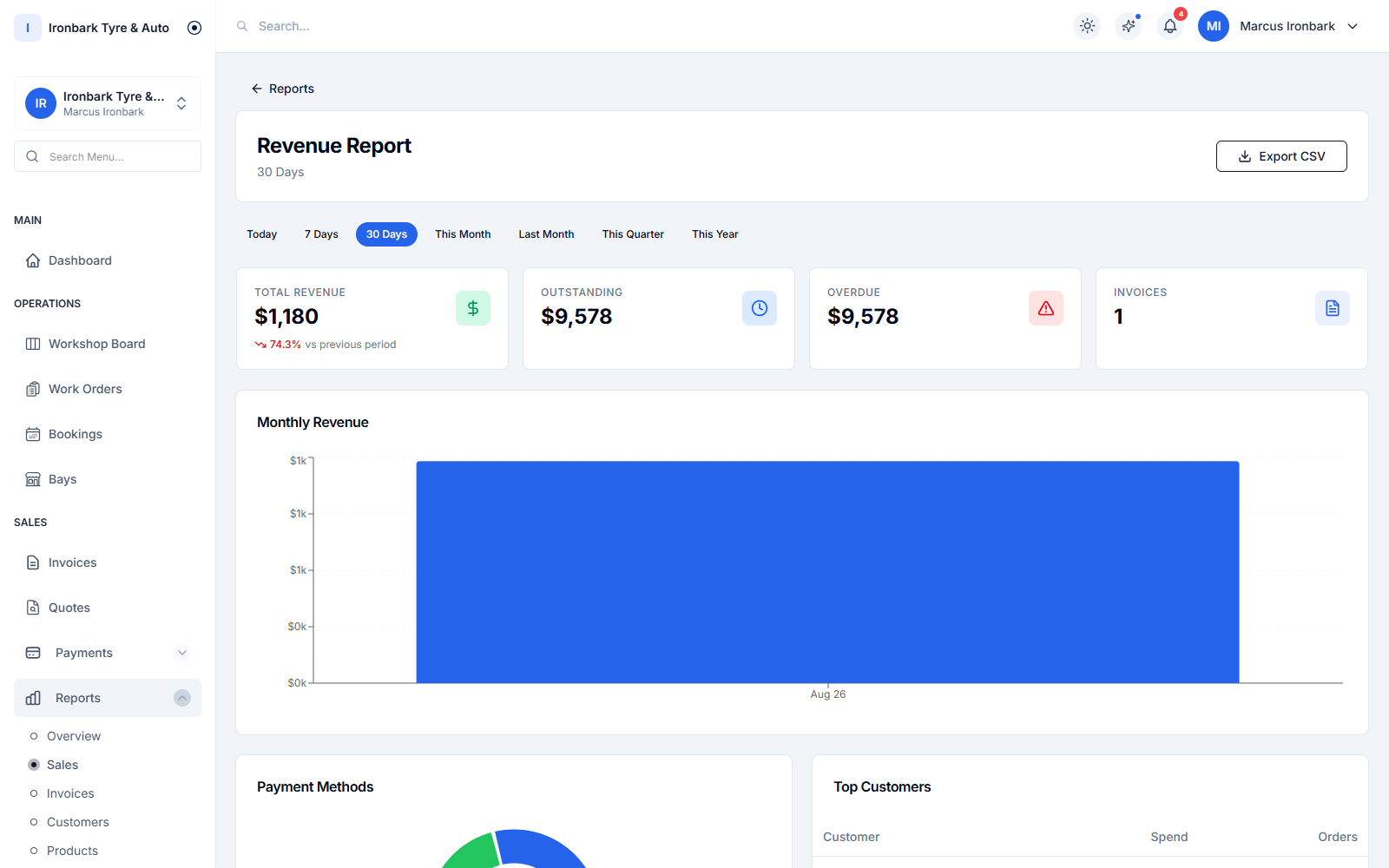
Sales report showing total revenue, outstanding and overdue with a monthly revenue chart
At a glance

A dashboard that answers the daily questions

Open the dashboard and see revenue, outstanding invoices, jobs completed and stock value in one place. It answers the questions an owner asks every day without anyone building a report by hand.

  • Revenue, outstanding, jobs and stock value
  • See how the shop is tracking at a glance
  • No spreadsheet to keep up to date
  • A reporting dashboard on every plan
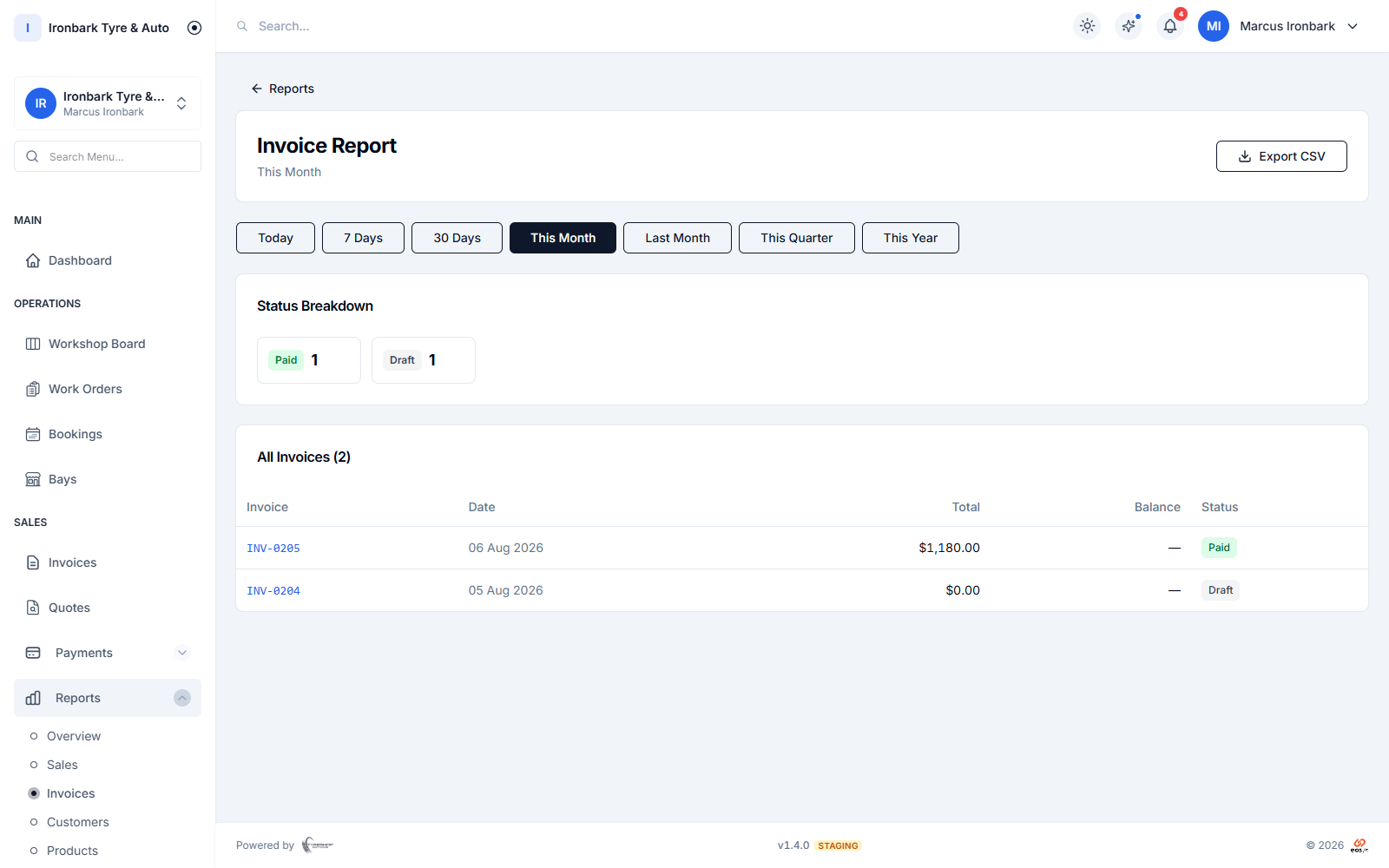
Invoice report with status breakdown and overdue aging
Dig in

Reports across sales, workshop and stock

When you want detail, reports cover sales, invoices, customers, products and the workshop. Filter by date range, shop and technician to find the number you are chasing.

  • Sales, invoices, customers and workshop reports
  • Filter by date range, shop and technician
  • Compare periods and spot the trend
  • Included on every plan
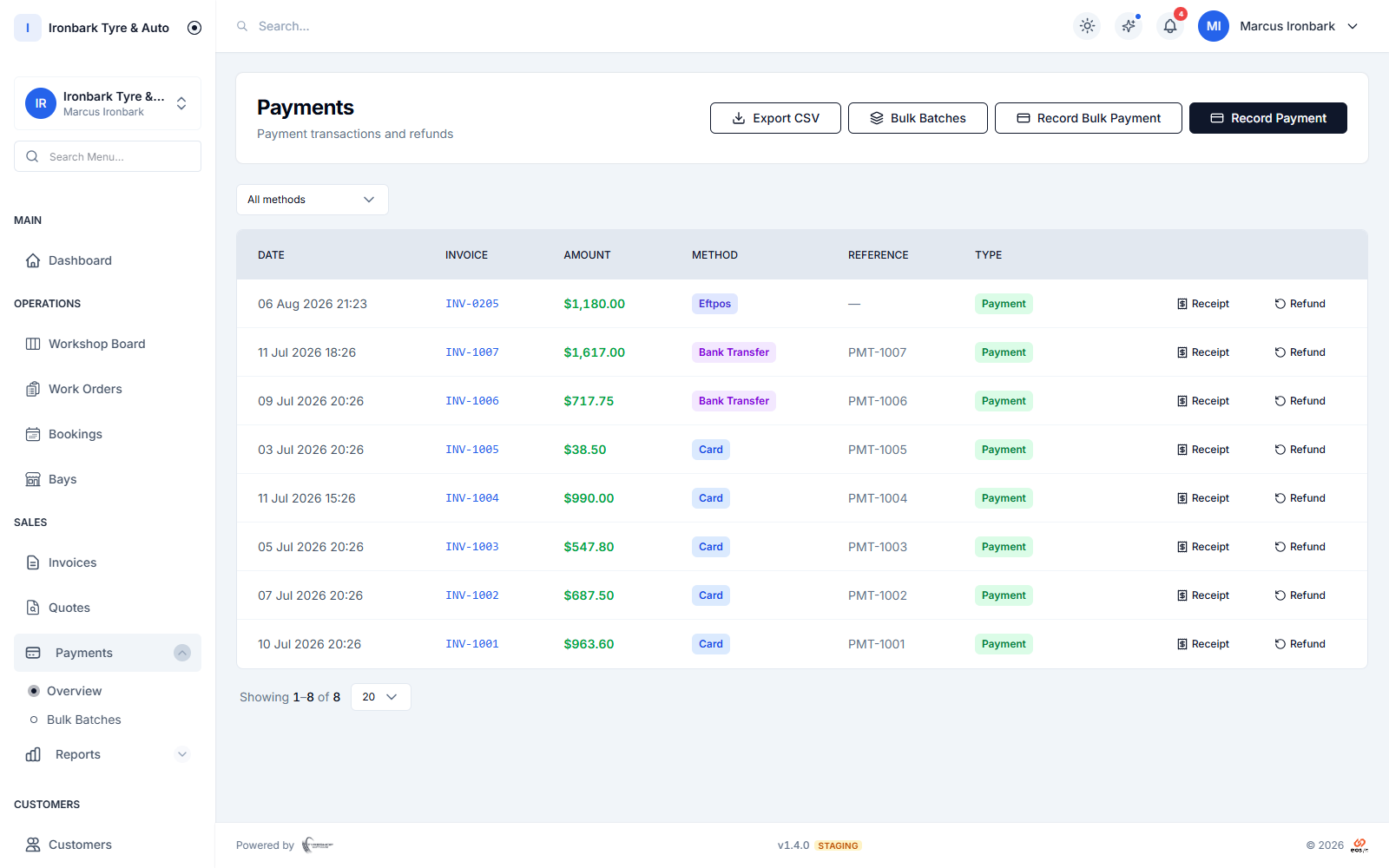
Payments screen listing received card and bank-transfer payments
Hand it over

Export to CSV for your accountant

When your accountant needs the figures, export a report to CSV in a couple of taps. The numbers come from the same jobs, invoices and stock the shop runs on, so they match the work.

  • Export reports to CSV
  • Figures match the jobs and invoices
  • Hand clean numbers to your accountant
  • Filtered exactly how you filtered on screen
How it works

Up and running with reports

  1. 01

    Open the dashboard

    The dashboard shows revenue, outstanding invoices, jobs and stock value the moment you log in.

  2. 02

    Choose a report

    Pick a sales, workshop, customer, product or inventory report and filter it by date, shop or technician.

  3. 03

    Export the numbers

    Export the report to CSV when your accountant wants the figures, filtered exactly how you set it.

FAQ

Reports questions

Is reporting on every plan?

Yes. Reporting dashboards are included on every plan, showing revenue, outstanding invoices, jobs and stock value, with CSV export for your accountant.

Can I filter reports by shop or technician?

Yes. Filter reports by date range, shop and technician, so you can look at the whole group or drill down to a single site or person.

Can I export reports for my accountant?

Yes. Export a report to CSV in a couple of taps, filtered exactly how you set it on screen, and hand clean numbers to your accountant.

Do the numbers match the day-to-day?

Yes. Reports read from the same jobs, invoices and stock the shop runs on, so the figures match the work rather than a separate set of books.

See reports in your own shop

Start a 14-day free trial of TyreShop Software and run reports alongside the rest of the platform. No credit card required.

14-day free trial. No credit card required.