Suppliers and purchase orders

Purchase order software that fills the racks without double-keying

Purchase order software keeps every supplier in one place and lets you raise orders for tyres and parts, then email them straight to the supplier. When the stock arrives, receive it against the order and it flows into inventory. You never key a supplier invoice in twice, and low-stock items can populate the order for you.

14-day free trial. No credit card. 50 free SMS to get started.

Suppliers and purchase orders are included on every plan.

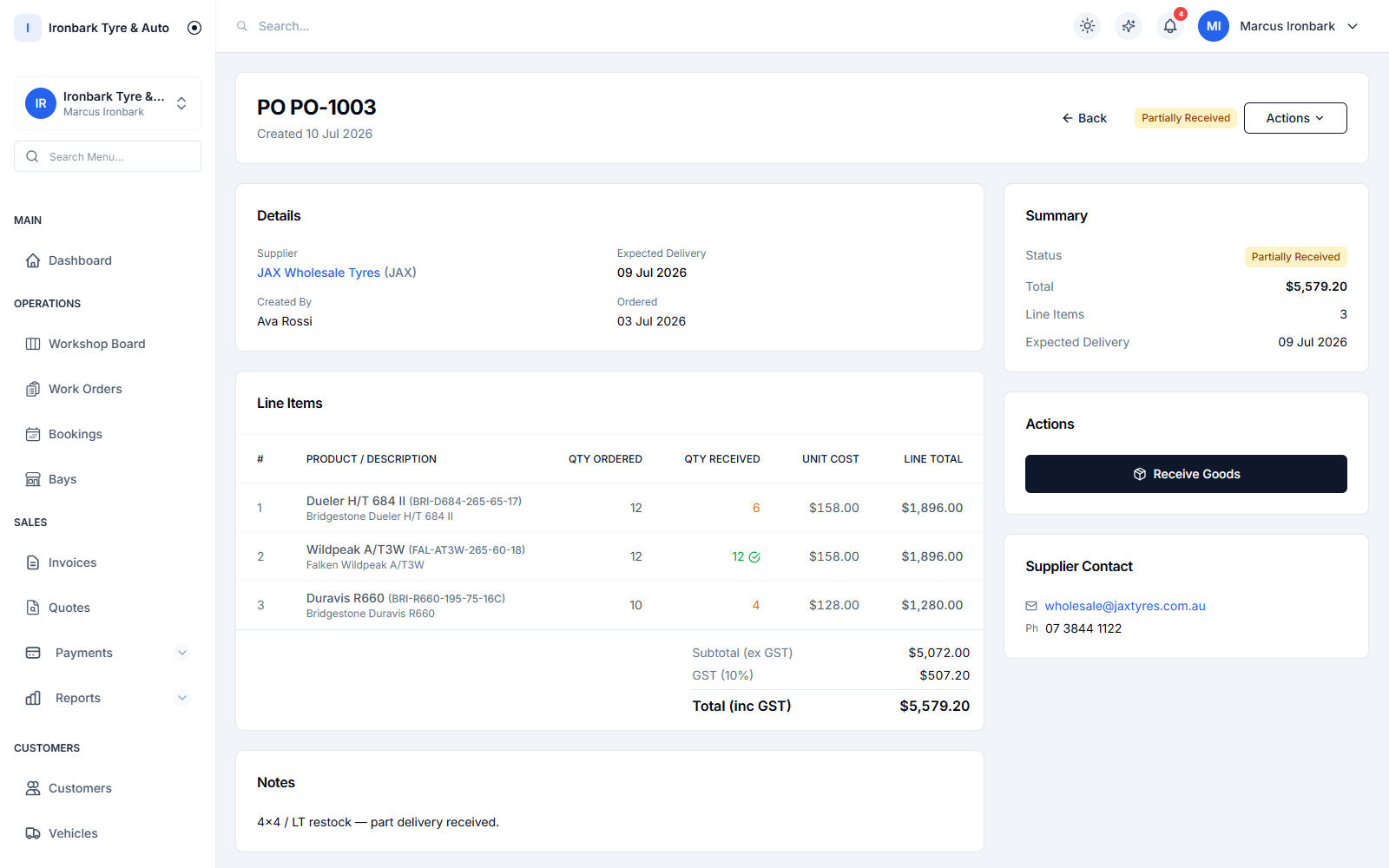
Purchase order detail with supplier, line items and receive-goods status
Why purchase orders

What you get

Raise and send POs

Create a purchase order for tyres or parts and email it straight to the supplier as a PDF, so the order is on record from the moment you place it.

Auto-populate from low stock

Build an order from the items running low, so the sizes flagged by low-stock alerts land on the PO without retyping them.

Receive into inventory

When goods arrive, receive them against the order and stock levels update on their own, including partial receipts when only some of the order turns up.

Every supplier in one place

Keep supplier contacts, notes and order history together, so reordering from a regular supplier takes a few taps.
How it works in your shop

Purchase orders in practice

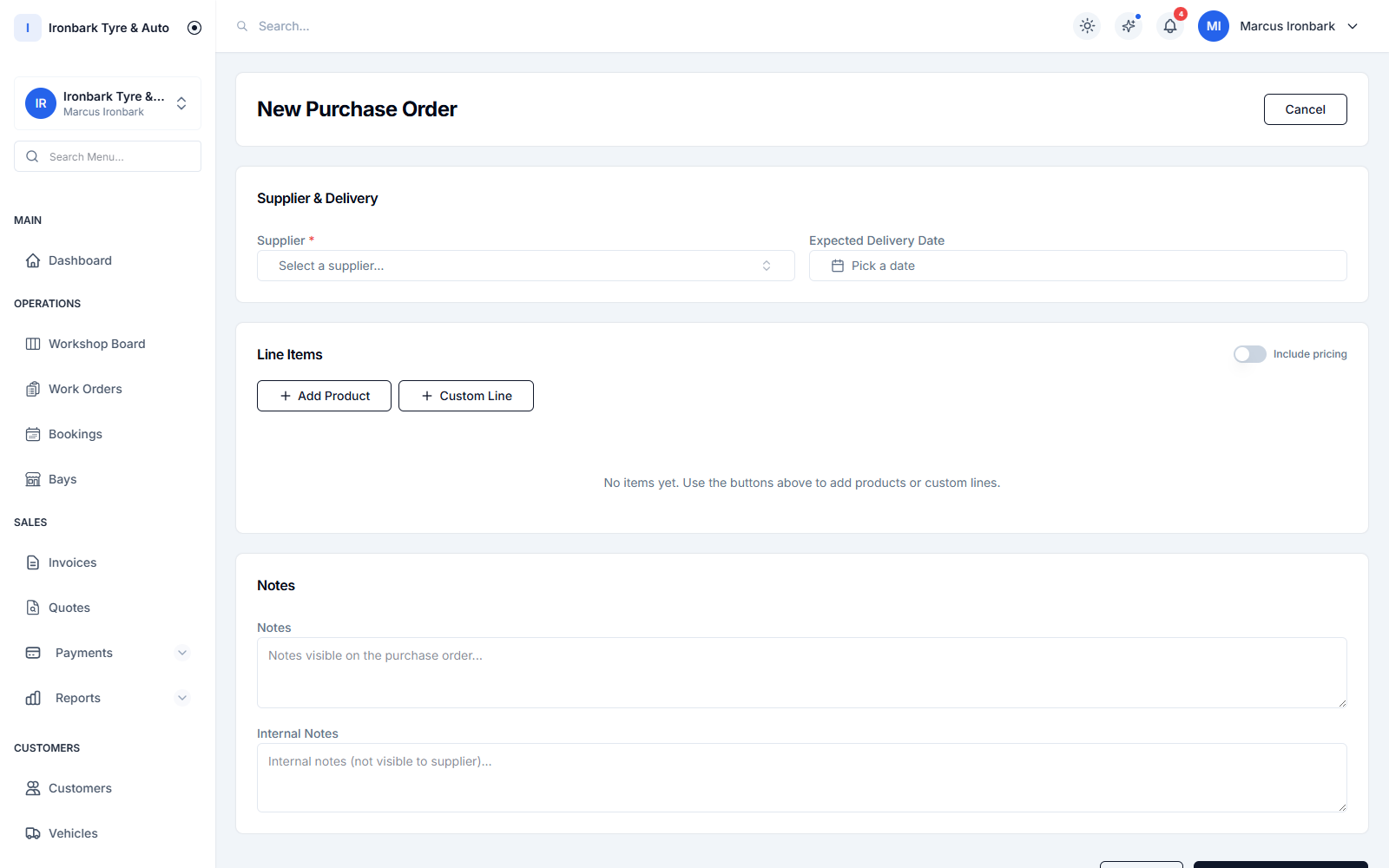
Creating a purchase order, auto-populated from low stock
Order stock

Raise a purchase order and email the supplier

Create a PO for the tyres and parts you need, add quantities and costs, and email it to the supplier as a branded PDF. The order sits open in the platform so you always know what is on its way.

  • Create POs for tyres and parts
  • Email the PO to the supplier as a PDF
  • Track open and received orders
  • Supplier contacts and notes on file
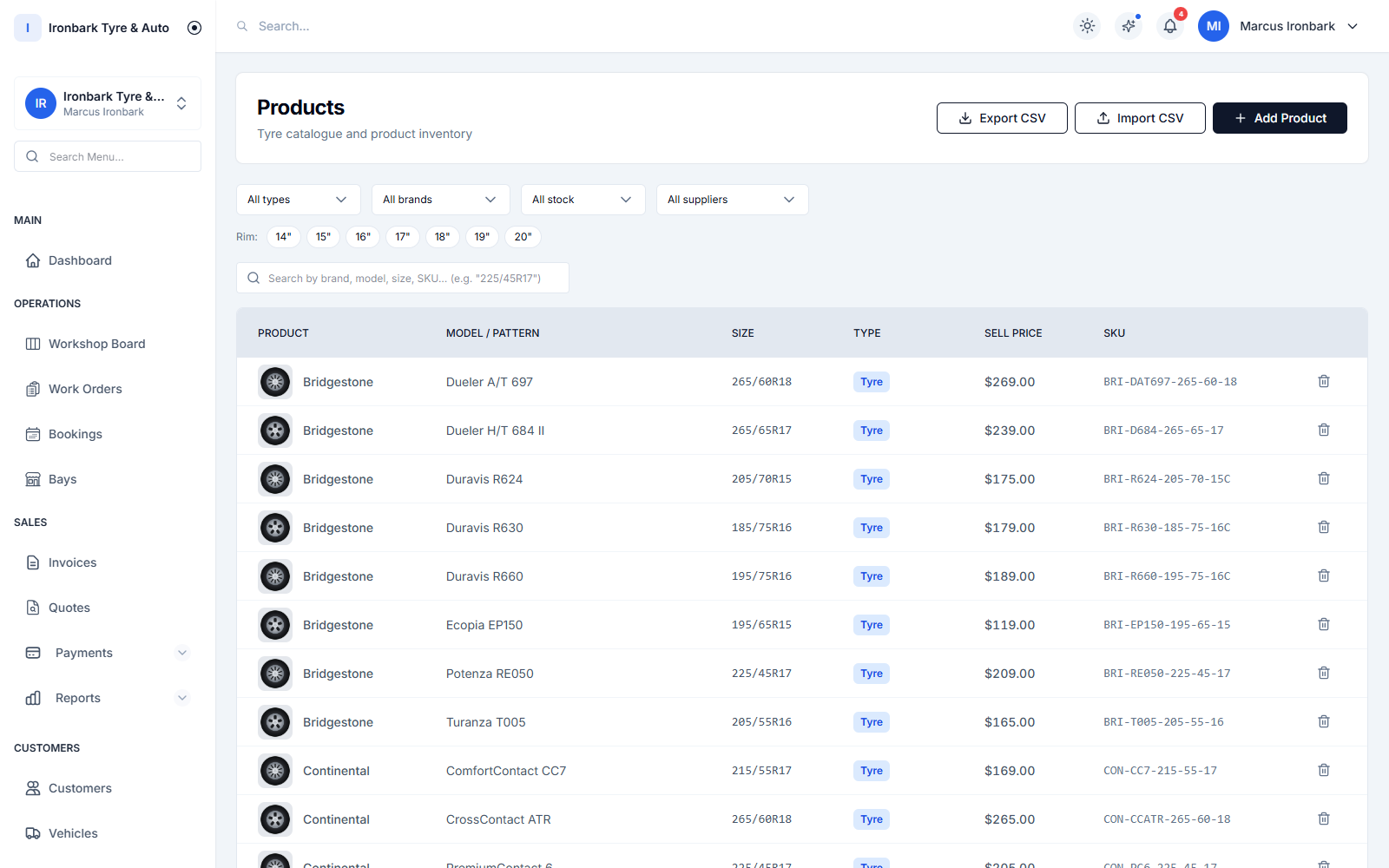
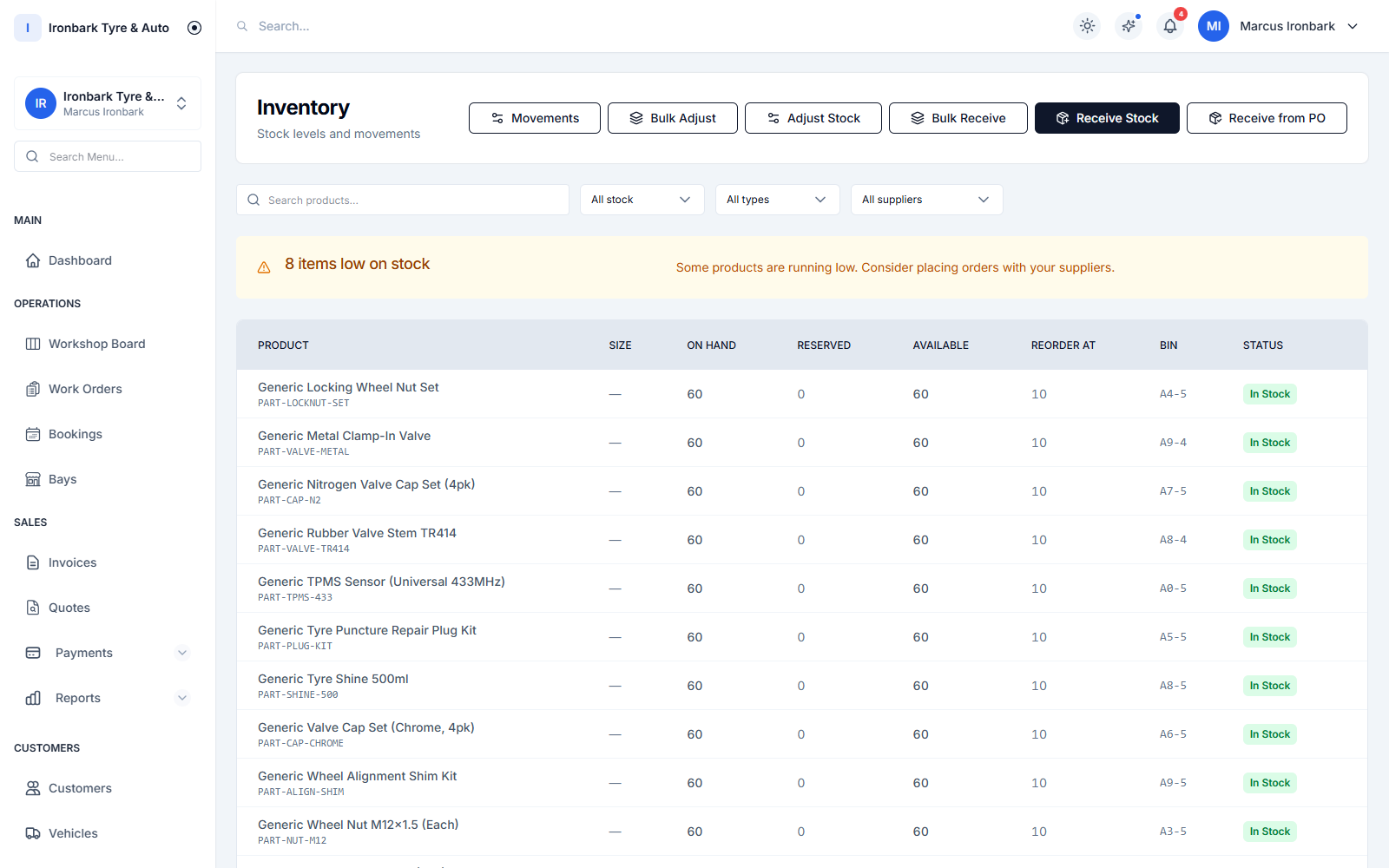
Stock list showing tyres by brand and size with on-hand quantities and low-stock alerts
From low stock

Reorder straight from what is running down

Low-stock alerts tell you what is running low, and you can turn those items straight into a purchase order. The sizes and quantities carry across, so there is no retyping between the stock list and the order.

  • Auto-populate a PO from low-stock items
  • Sizes and quantities carry across
  • No double-keying from the stock list
  • Order before a popular size runs out
Internal tyre catalogue with size-aware search across brands and patterns
Receive it

Receive goods against the order

When the delivery lands, receive it against the purchase order and the stock flows into inventory automatically. Handle partial receipts when only part of the order arrives, and add supplier notes as you go.

  • Receive stock directly into inventory
  • Partial receipts when part of an order lands
  • Stock counts update automatically
  • No re-keying from the supplier invoice
How it works

Up and running with purchase orders

  1. 01

    Add your suppliers

    Keep each supplier contact, with notes and order history, in one place ready to order from.

  2. 02

    Raise the order

    Create a purchase order by hand or auto-populate it from low-stock items, then email it to the supplier as a PDF.

  3. 03

    Receive the goods

    When the delivery arrives, receive it against the order and the stock flows straight into inventory.

FAQ

Purchase orders questions

Can I email a purchase order to my supplier?

Yes. Raise a purchase order and email it to the supplier as a branded PDF. The order stays open in the platform so you can track what is on its way.

Can the system build an order from low stock?

Yes. Turn the items flagged by low-stock alerts straight into a purchase order, with the sizes and quantities carried across so there is no retyping.

What happens when only part of an order arrives?

You can record a partial receipt against the order, and only the goods that arrived flow into inventory. The rest stays open until it lands.

Is purchase order management on every plan?

Yes. Suppliers and purchase orders are included on every plan.

See purchase orders in your own shop

Start a 14-day free trial of TyreShop Software and run purchase orders alongside the rest of the platform. No credit card required.

14-day free trial. No credit card required.