
Guide

Free job card template for workshops

A useful workshop job card template includes the customer, vehicle, hand-typed rego, requested work, technician, bay, parts or tyres, notes, status and sign-off. This guide explains the fields to include and when it is time to move from a paper template to digital job card software.

  • Manual rego only
  • No e-signature claim
  • Digital job card path
Template

Start with the essentials

A template only works if it captures the information the counter and bay both need.

  • Customer and vehicle
  • Work requested
  • Parts and notes
Limit

Paper still creates double entry

A printed template can organise the bay, but the invoice and stock movement still have to be entered somewhere else.

  • Re-keying
  • Lost cards
  • Manual reports
Digital

Use the card as the system of record

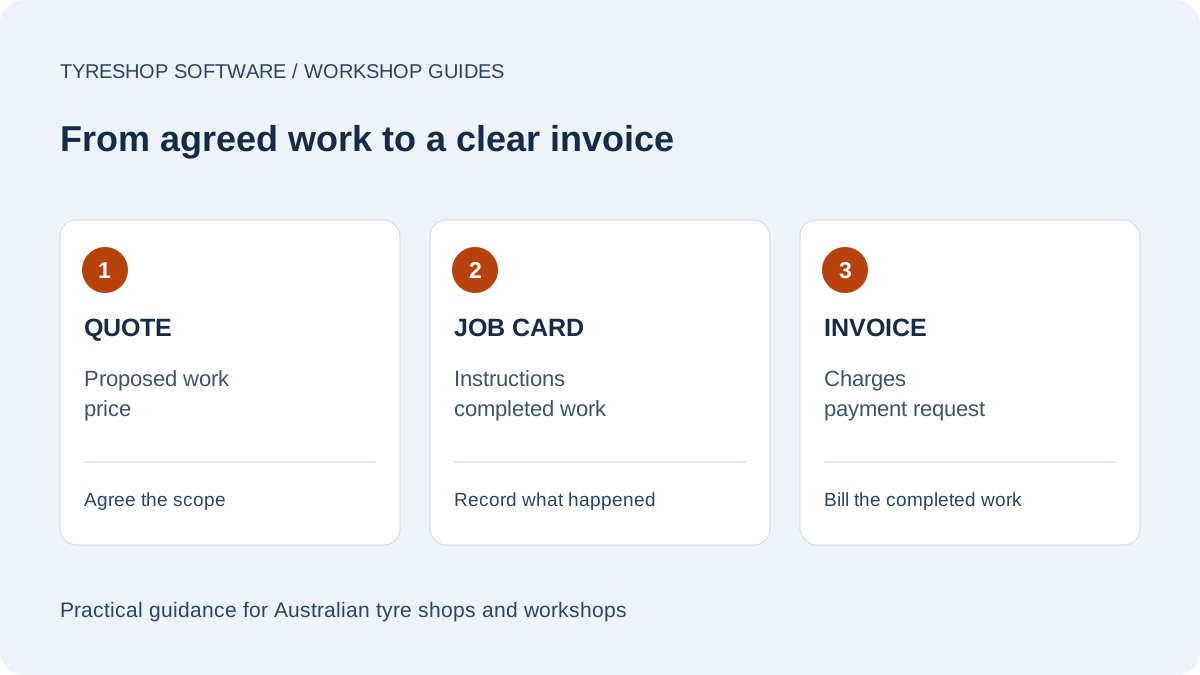
Digital job cards keep the job linked to stock, the board, the customer and the invoice.

  • Shared board
  • GST invoice
  • Payment tracking
FAQ

Questions buyers ask

What should be on a workshop job card?

Include customer details, vehicle details, a manually entered rego, requested work, assigned technician or bay, parts or tyres, notes, status and sign-off.

Can I use a paper job card first?

Yes. A paper template is a reasonable start. The limit is double entry: the same job later has to be entered into stock, invoicing and reporting.

What changes with digital job cards?

The job card becomes a work order connected to the customer, vehicle, stock, workshop board and GST invoice.

Free job card template for workshops

A useful workshop job card template includes the customer, vehicle, hand-typed rego, requested work, technician, bay, parts or tyres, notes, status and sign-off. This guide explains the fields to include and when it is time to move from a paper template to digital job card software.